

DocBox DMS: Seamless Document Flow from Capture to Certified Record
Struggling with scattered files and endless approvals? DocBox DMS unifies capture, OCR, routing, signatures and tamper‑evident audit trails—all in one secure platform.
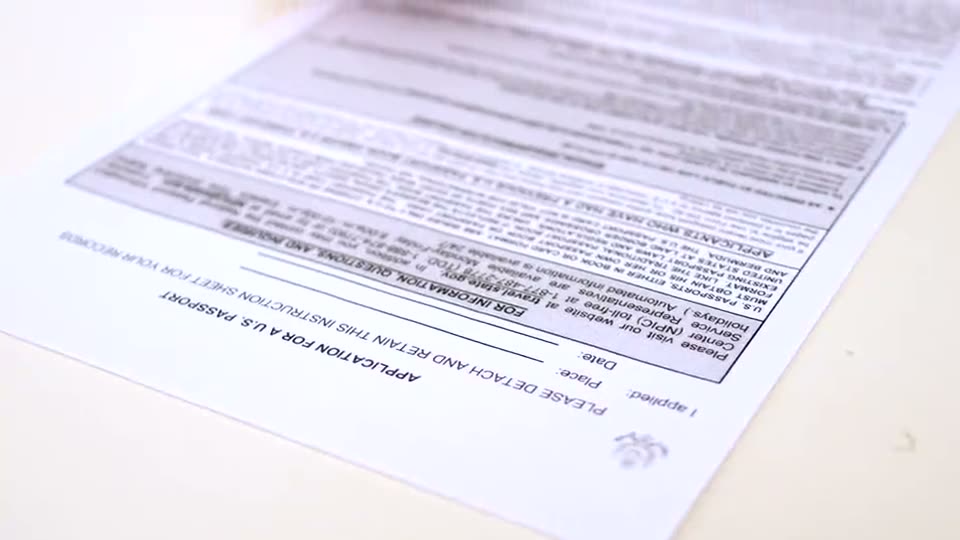
The everyday bottleneck of paper and digital chaos
Running a clinic, school, or small enterprise in Uganda often means juggling emails, PDFs, printed forms and handwritten notes. Staff waste hours searching for the latest version of a contract, chasing approvals, or manually entering invoice data. Missed signatures delay payments, and without a clear audit trail, compliance audits become a nightmare.
How DocBox DMS brings order to the document lifecycle
DocBox DMS is built to carry every document from its first draft to a sealed, provable record. The platform captures files from any source – a web upload, a desktop scan, a mobile photo, an incoming email or even a watch‑folder on a server. Built‑in OCR reads text instantly, turning images of invoices, receipts or forms into searchable data. From there, documents flow through elegant approval workflows: they are routed to the right people, reviewed, signed electronically, and a completion certificate is generated at the end. All actions are recorded in a tamper‑evident audit trail, and sealed copies can be placed on legal hold for regulatory compliance.
AI assistants that turn files into answers
One of DocBox’s standout capabilities is its AI layer. Users can ask natural‑language questions – “What was the total amount invoiced to XYZ Hospital last quarter?” – and the assistant pulls the answer directly from the stored documents, citing the exact file and page. Custom AI Flows can be set up to trigger actions, such as notifying finance when an invoice exceeds a threshold, or auto‑filling a contract template with data extracted from previous agreements.
Flexible deployment that fits any environment
Whether your organisation prefers a cloud‑first approach, needs the data to stay on‑premises, or requires an offline laptop version for field work, DocBox adapts. The same core features – capture, OCR, routing, signatures and audit – are available regardless of where the software runs, giving you control over security and connectivity.
Key benefits at a glance
- Speed – OCR and automated routing cut processing time by days, not weeks.
- Accuracy – AI‑driven data extraction reduces manual entry errors.
- Compliance – Sealed records and immutable audit trails satisfy regulatory requirements.
- Accessibility – Search across all document types from any device, with source citations.
- Scalability – Deploy in the cloud, on‑prem, or offline to match your IT strategy.
Getting started is simple
- Capture – Upload or scan documents via web, desktop, phone or email.
- Organise – Let OCR index content and auto‑classify files.
- Route – Define approval paths and assign signatories.
- Seal – Generate completion certificates and store tamper‑evident copies.
- Query – Use the AI assistant to retrieve information instantly.
By removing the endless back‑and‑forth of paper and scattered PDFs, DocBox lets your team focus on delivering value rather than hunting for files. It’s a practical solution for Ugandan SMEs, hospitals, schools, NGOs and government agencies that need reliable, auditable document management without the overhead of multiple tools.
Was this article helpful?
Keep reading
Office Networks & Wi-Fi Myths vs Reality for Banks and SACCOs
Separate fact from fiction about office networking. Learn which myths hold you back and how to build a reliable, secure Wi‑Fi and cabling backbone that supports banking operations and member services.
ReadSecuring Retail Operations: Risks of Custom Software and How Trusted Automation Mitigates Them
Retail and distribution leaders face data breaches, process errors and compliance gaps when adopting custom software. This guide shows concrete steps to protect your business while reaping automation benefits.
ReadHow Can Retail & Distribution Leaders Secure the Right Store Space with WetuProperty?
Retail and distribution managers often wonder how to find trustworthy premises quickly and affordably. This Q&A walks through using WetuProperty to locate, verify, and lock in the perfect location, with concrete steps and safeguards.
ReadDiscussing a similar challenge in your operation?
Our consultants reply within 24 hours.